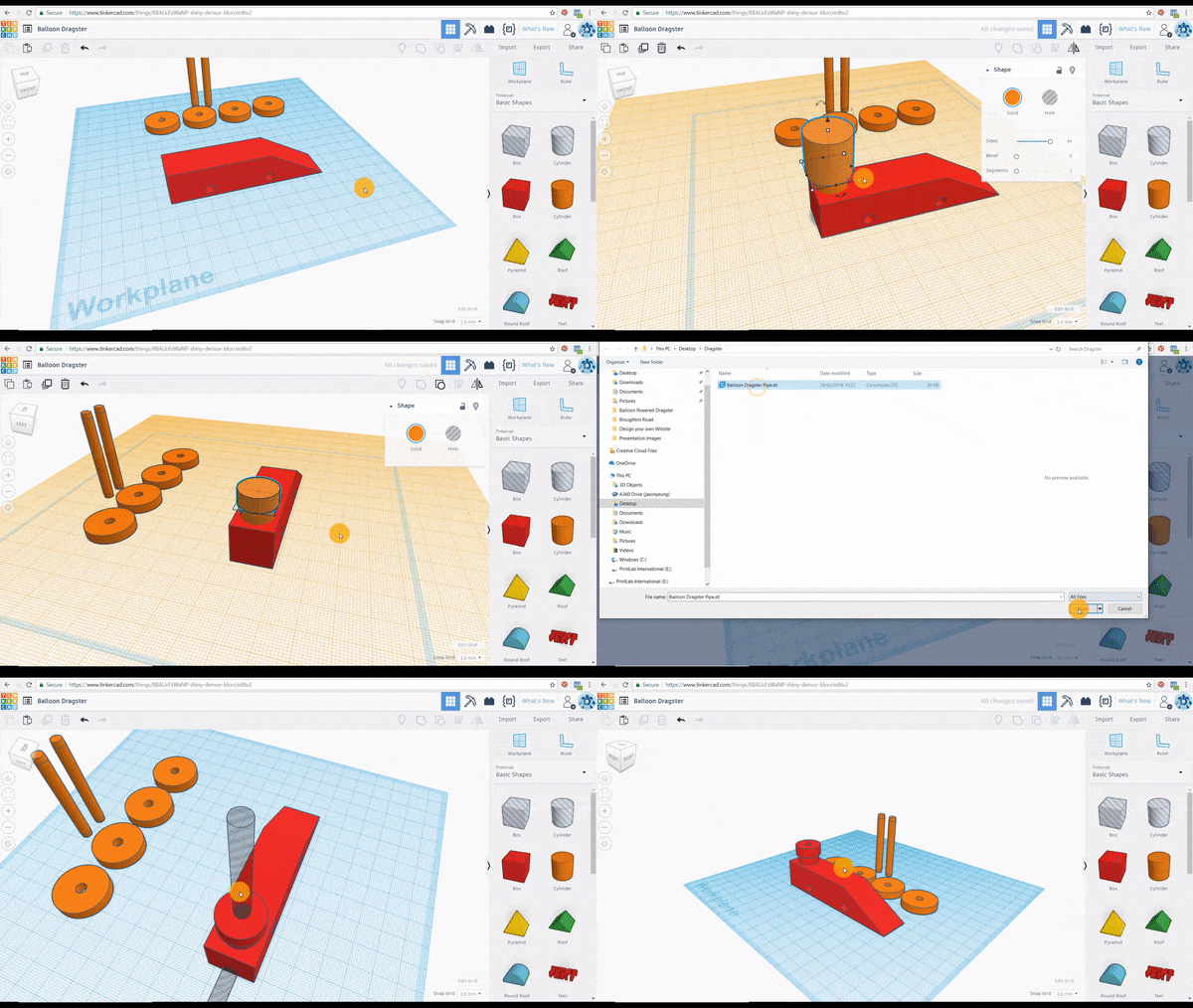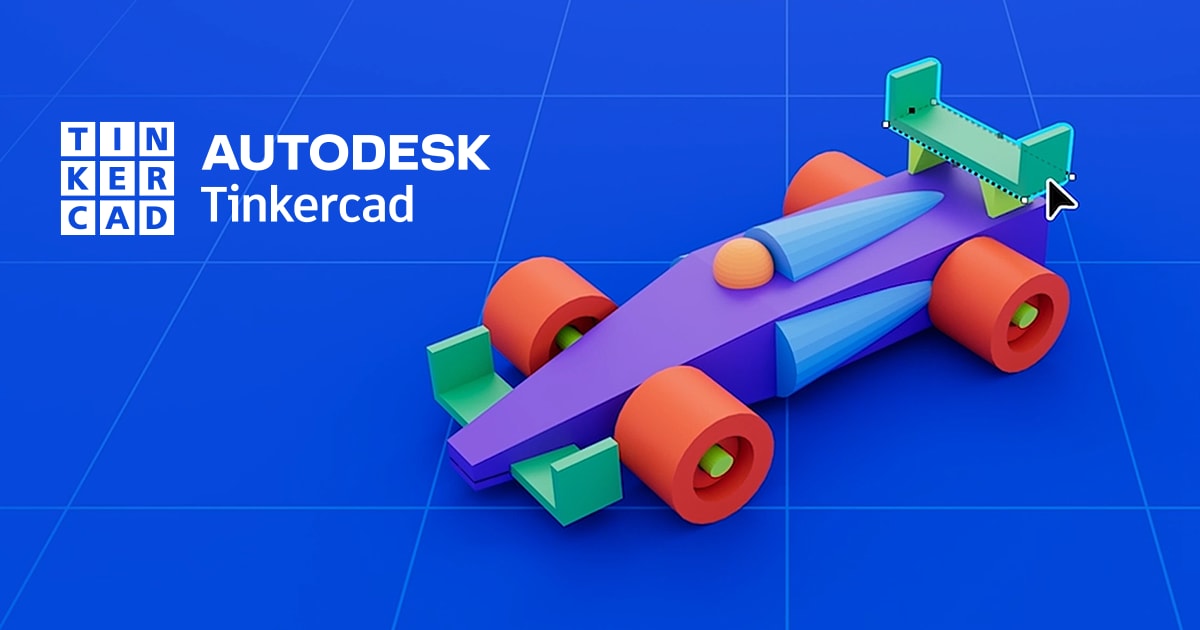
Tinkercad is a free, web-based computer-aided design (CAD) platform that is simple to learn and use. It features a block-based design system where users can modify shapes by either combining them (additive design) or cutting away parts (subtractive design). This makes it a flexible and beginner-friendly tool for those new to 3D design.
Pros of TinkerCad
- Easy to learn and use, making it beginner-friendly.
- Free, online 3D design tool with no installation required.
- Free cloud storage for saving and accessing projects from anywhere.
- Can export designs as .STL files, making them 3D printer-compatible.
- Supports importing and grouping external 3D files, allowing for further editing.
- Web-based collaboration, enabling team members to work on designs together in real time.
Cons of TinkerCad
- Not suitable for complex or highly detailed designs.
- Can sometimes be laggy due to its web-based nature.
- Requires a constant internet connection to function.
How to get started
The Tinkercad website offers tutorials and step-by-step lessons, starting from the basics.